These explanations follow the checked game screens. Costs, requirements and times in your current game take precedence. Arithmetic examples are not fixed game prices.
Game guide updated for public release V142
Updated on 1 November 2026 for version 0.2.1 (V142), available on Google Play since 30 October. Update the app if a described button is missing. Current in-game prices, limits and requirements take precedence.
Read My army without double counting
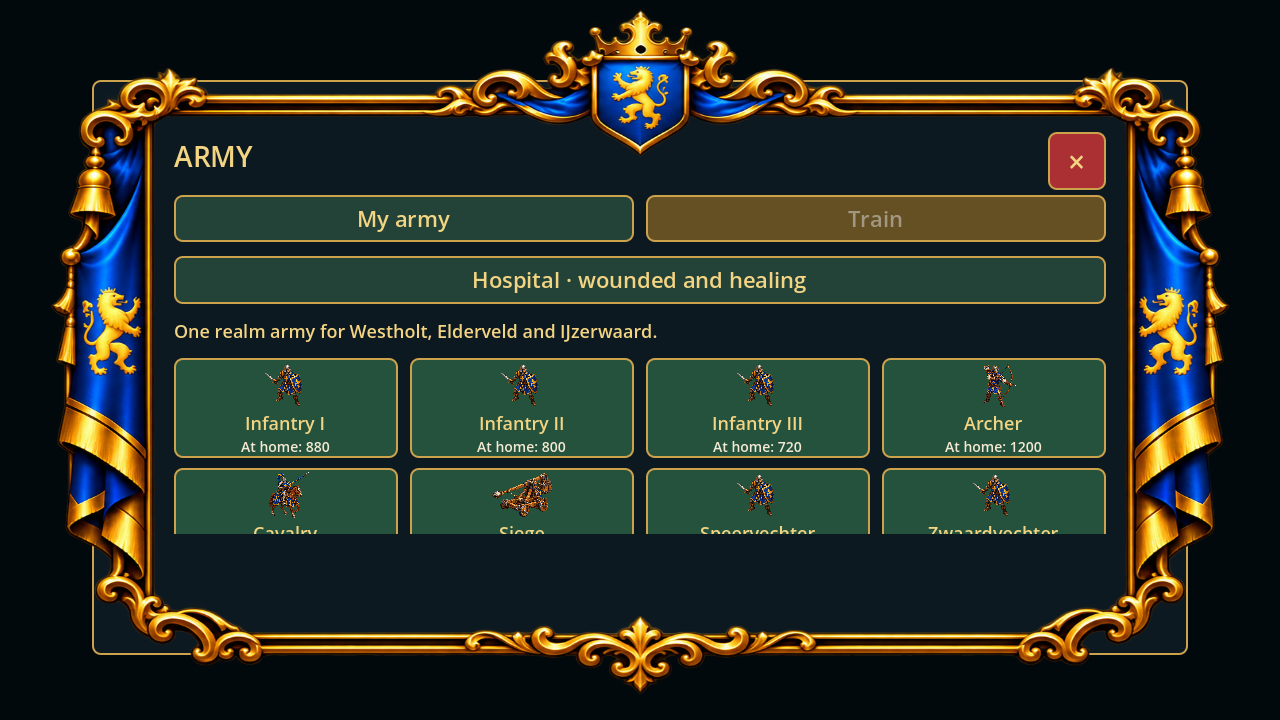
The realm army combines all provinces. Total equals at home plus away. In training is separate and joins the total when complete. Wounded troops in hospital and the waiting list are shown as temporarily unavailable.
Example: 100 at home and 40 away means 140 total. Another 20 in training does not immediately mean 160 available units. Do not add wounded troops to at home. Check status after training, return or treatment completes.
Prepare a training order
Choose an available unit under Train. Locked cards show castle and barracks requirements. Adjust quantity and read total costs, remaining stock and duration. Displayed cost and time change with quantity.
MAX calculates affordability; keep your own reserve for construction and food upkeep. Waiting for training confirmation means the request is not yet confirmed, not that soldiers are ready. If the army overview cannot load, the last confirmed home counts may remain visible under Train.
Upkeep and hospital
Troops require food upkeep as well as initial training resources. Check net food before expanding significantly. The province guide explains production versus upkeep.
Open Hospital for occupied beds, waiting wounded and recovery. An upgrade can focus on capacity or speed; read its effect, requirements and cost. More beds and faster healing solve different bottlenecks. Treatment is complete only when the game confirms it.
Before leaving on the world map
Select the target and read which action is allowed. Check protection messages, selected units and confirmation. A visible location does not mean every attack is permitted. Follow current rules rather than a sample image.
Plan what to leave at home and coordinate with your alliance when needed. This guide does not promise an unbeatable composition: opponents, units and balance vary.
Track order, result and return
Travelling, resolving a battle and returning are separate states. Inspect the order and battle result for losses, wounded and loot. Check whether survivors are still away before trying to use them again.
Report discrepancies with time, version, target, departure location and displayed status or report. Separate expected and actual counts. Remove unnecessary information about other players from screenshots.
Updated on 1 November 2026 for version 0.2.1 (V142), available on Google Play since 30 October. Update the app if a described button is missing. Current in-game prices, limits and requirements take precedence.
Activating a stored shield
Open Inventory, choose a shield duration and confirm with Activate shield. It protects your entire realm. Check the protection status and expiry time afterwards.
An outgoing attack can prevent activation; the protection duration limit is also checked. Launching your own attack breaks your shield. If activation fails, read the message and check movements before buying another shield.
Treatment and healing tokens
Open Hospital, select available wounded troops and start treatment first. Check cost, capacity and duration. A healing token speeds up an existing treatment; it does not automatically treat all wounded troops.
Healing tokens come in 5-minute, 30-minute and 2-hour durations. Check current prices in the alliance shop. You may also earn tokens through alliance goals. Select a token for an active treatment and confirm its use; no additional Crowns are charged.
Only that treatment is affected. Unused time is lost: using a 30-minute token with 12 minutes remaining does not transfer the other 18 minutes to another treatment. Check the updated timer or completed recovery afterwards.
Resource expeditions on the world map
From castle level 5, choose a lumber camp, food field, iron mine or gold mine on the world map. Read its level, guard strength, potential yield and gathering time. Select your army, including carriers; siege units carry no loot.
Easy, Even match and Too strong are estimates, not guarantees. Troops can be wounded or killed. Check travel, gathering and return time before departure. Only surviving carriers bring loot, stored on arrival up to available storage capacity.
You can send up to 6 resource expeditions per day. A used location recovers for you after 2 hours; each player has a separate supply. Read any cooldown, castle-level or daily-limit message before retrying.
Reading battle reports
After a battle, check survivors, wounded, losses and loot in the report. Compare it with your hospital and returning troops: a result does not mean everyone is already home.
Wounded troops who cannot be admitted to the hospital are lost. Plan space and treatment before an expedition. A higher ranking score does not guarantee victory over a particular defence.